Setting Up Excel for Programming: A Beginner’s Guide
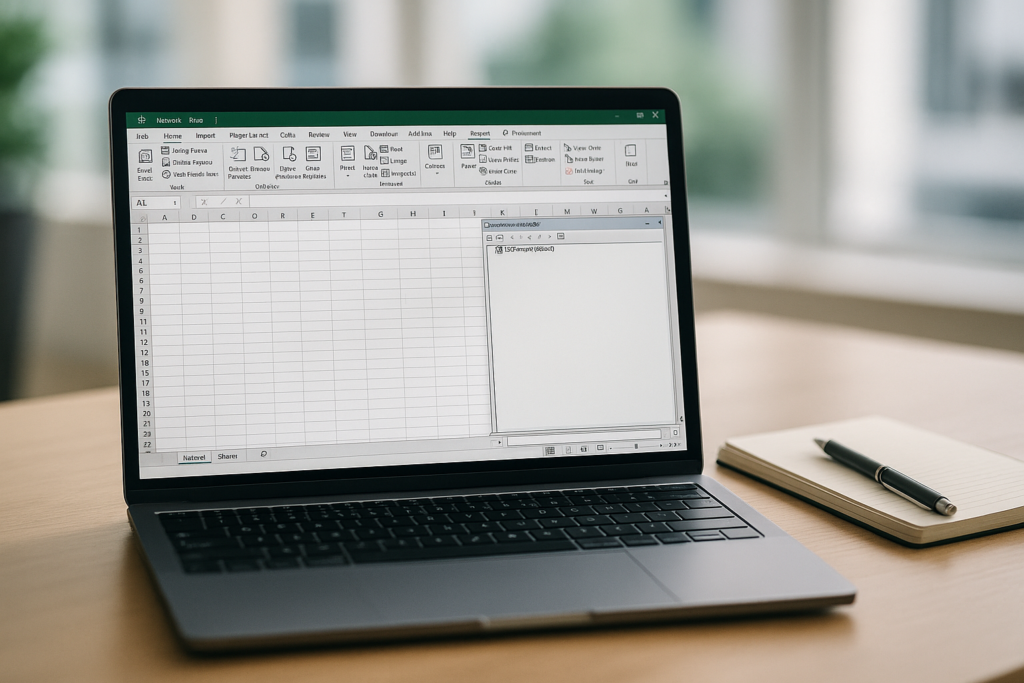
Introduction: Excel is a powerful spreadsheet software that offers extensive functionalities for data analysis, calculation, and visualization. While it is commonly used for its traditional spreadsheet capabilities, Excel can also be leveraged as a programming tool. By utilizing Excel’s built-in programming language, Visual Basic for Applications (VBA), users can automate tasks, create custom functions, and build interactive applications within the familiar Excel interface. This article serves as a beginner’s guide to setting up Excel for programming, providing essential steps and resources to get started.
- Enabling the Developer Tab: The Developer tab in Excel provides access to various tools and features necessary for programming. To enable it, follow these steps: a. Open Excel and go to the “File” menu. b. Select “Options” and choose “Customize Ribbon.” c. In the right pane, check the box next to “Developer” and click “OK.”
Want practical Excel help?
Support free Excel tutorials, get weekly tips, or contact us for Excel programming, VBA, Power Query, dashboards, and automation work.
Get weekly Excel tips