ExcelWiz
About Tips.Net

Advertisement

Excel & VBA mastery hub

Master Excel & VBA
one tip at a time

Practical tutorials, real code samples, and AI-powered Excel tricks — for developers and power users who want to automate everything.
Browse tutorials Get weekly tips
125+
Free tutorials
VBA
Code samples
AI
Excel tips
Free
Always
Latest articles
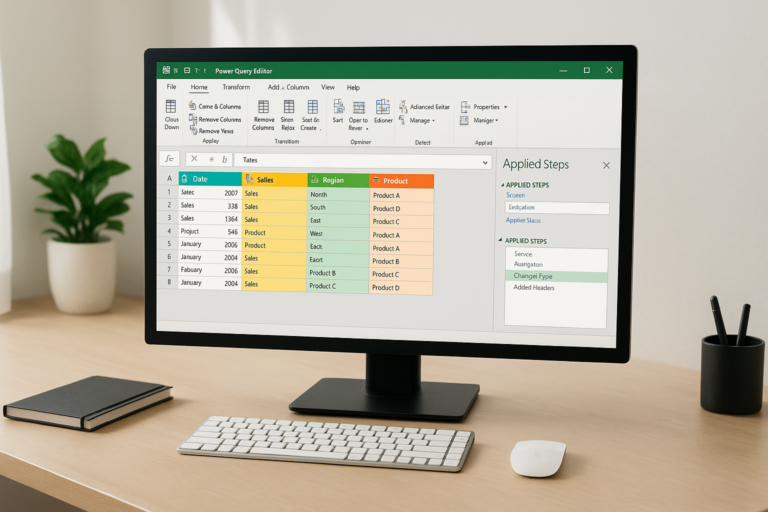
Understanding the Power Query Interface: A Beginner’s Guide
Power Query Basics June 9, 2026 6 min read

Understanding the Power Query Interface: A Beginner’s Guide

Introduction Power Query is a powerful data transformation and connection tool available in Excel that allows users to import, cleanse, and reshape data with ease….
Read article
Beginner Guide Data Transformation Excel
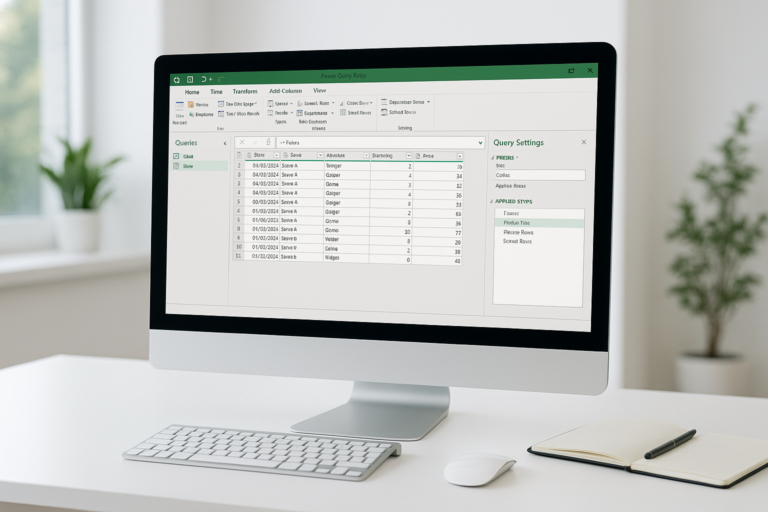
Power Query Tutorial: Getting Started with Data Transformation
Power Query Basics June 9, 2026 6 min read

Power Query Tutorial: Getting Started with Data Transformation

Introduction Power Query is a powerful data connection technology that enables you to discover, connect, combine, and refine data sources to meet your analysis needs….

Read article
Data Transformation Excel Excel Power Query
Browse topics
Categories
    Excel Tips16
    vba programing11
    Excel Tutorials6
    Excel and VBA Programming Basics4
    video tutorial4
    Advanced Excel VBA Programming4
    Data Analysis Using Excel VBA4
    Excel Automation with VBA4
    Excel for Economic Modeling3
    Data Visualization in Excel for Economists3
    Excel Tips and Tricks for Economists3
    XLOOKUP Basics3
    Popular Dynamic Array Functions3
    Excel Automation for Economists3
    Excel VBA Best Practices3
    Data Analysis Techniques in Excel3
    Excel Basics for Economists3
    excel and AI3
    Learning AI Concepts with Excel3
    Business Intelligence and Reporting3
    AI Integration and Extensions3
    AI-Powered Excel Formulas and Functions3
    Data Analysis and Visualization3
    Data Transformation Techniques2
    Excel and Power Query Integration2
    Power Query Basics2
    Practical Applications of XLOOKUP2
    Excel Automation with Power Query2
    Troubleshooting and Optimization2
    Future Trends and Innovations2
    Dynamic Arrays for Data Analysis2
    Advanced XLOOKUP Techniques2
    Introduction to Dynamic Arrays in Excel2
    Excel Automation with AI2
    Excel Formulas2
    Advanced Dynamic Array Techniques1
    Excel and XLOOKUP guide1
    XLOOKUP vs Other Lookup Functions1
    Troubleshooting XLOOKUP1
    Uncategorized1
    Troubleshooting and Tips1
    Excel for Macroeconomic Analysis1
    Excel for Microeconomic Analysis1

Get weekly VBA tips

One practical tip every week. No spam, unsubscribe anytime.

OUR COMPANY
  • About
  • About Tips.Net
OUR PRODUCTS
  • About Tips.Net
OUR OUR SITES
  • Beauty and Style
OUR SITES
  • Home Improvement
  • Advanced Dynamic Array Techniques
  • Advanced Excel VBA Programming
  • Advanced XLOOKUP Techniques
  • AI Integration and Extensions
  • AI-Powered Excel Formulas and Functions
  • Business Intelligence and Reporting
  • Data Analysis and Visualization
  • Data Analysis Techniques in Excel
  • Data Analysis Using Excel VBA
  • Data Transformation Techniques
  • Data Visualization in Excel for Economists
  • Dynamic Arrays for Data Analysis
  • excel and AI
  • Excel and Power Query Integration
  • Excel and VBA Programming Basics
  • Excel and XLOOKUP guide
  • Excel Automation for Economists
  • Excel Automation with AI
  • Excel Automation with Power Query
  • Excel Automation with VBA
  • Excel Basics for Economists
  • Excel for Economic Modeling
  • Excel for Macroeconomic Analysis
  • Excel for Microeconomic Analysis
  • Excel Formulas
  • Excel Tips
  • Excel Tips and Tricks for Economists
  • Excel Tutorials
  • Excel VBA Best Practices
  • Future Trends and Innovations
  • Introduction to Dynamic Arrays in Excel
  • Learning AI Concepts with Excel
  • Popular Dynamic Array Functions
  • Power Query Basics
  • Practical Applications of XLOOKUP
  • Troubleshooting and Optimization
  • Troubleshooting and Tips
  • Troubleshooting XLOOKUP
  • Uncategorized
  • vba programing
  • video tutorial
  • XLOOKUP Basics
  • XLOOKUP vs Other Lookup Functions
Quick VBA tips
1
Option Explicit — prevents typos from creating mystery variables
2
ScreenUpdating = False — speeds up macros up to 10x
3
With blocks — reduce repetition and run faster
4
On Error GoTo — always handle errors in production
EW
ExcelWiz

Practical Excel & VBA tutorials for developers and power users.

About Tips.Net

© 2026 Blog about vba. All rights reserved.